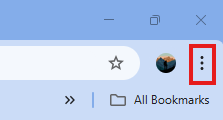
1. Open Chrome and Click the three dots (⋮) at the top-right corner.
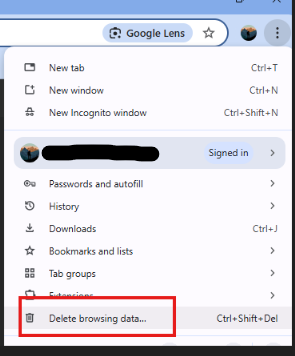
2. From the menu, select Delete browsing data….
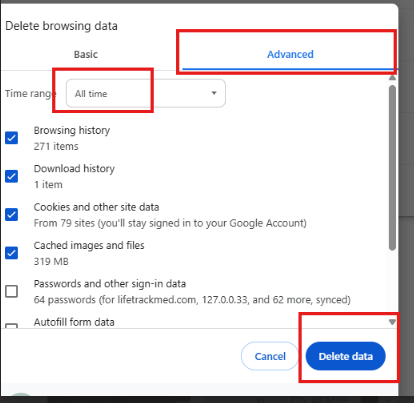
3. In the pop-up window:
Switch to the Advanced tab.
Set Time range to All time.
Tick the boxes as shown in the picture (Browsing history, Download history, Cookies and other site data, Cached images and files).
Finally, click Delete data.