
You should have the Weasis application installed in the workstation.
Check out this article to learn how to install and run the program from Lifetrack interface:
https://support.lifetrackmed.com/a/solutions/articles/33000277862
2D Print
Once you're in the Weasis viewer, select the images you want to print and drag into the viewport.
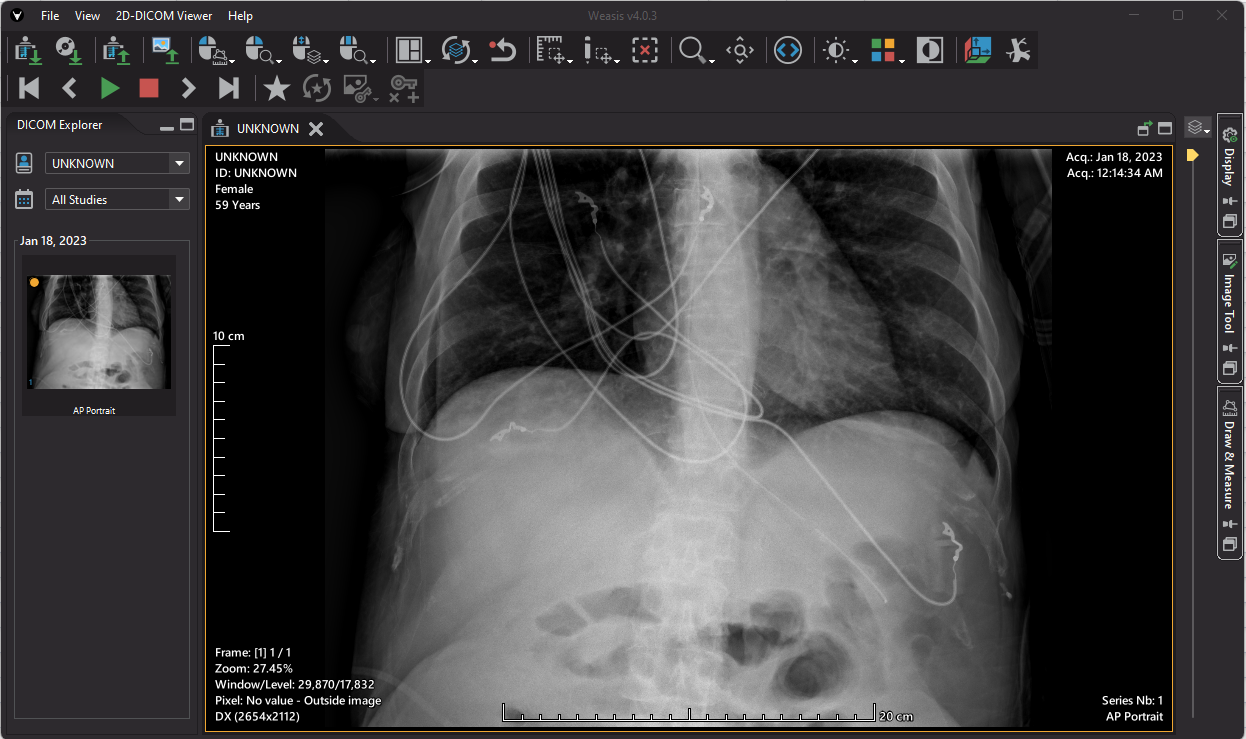
Go to File control then select Print.
If you need to print in paper, select Print 2D
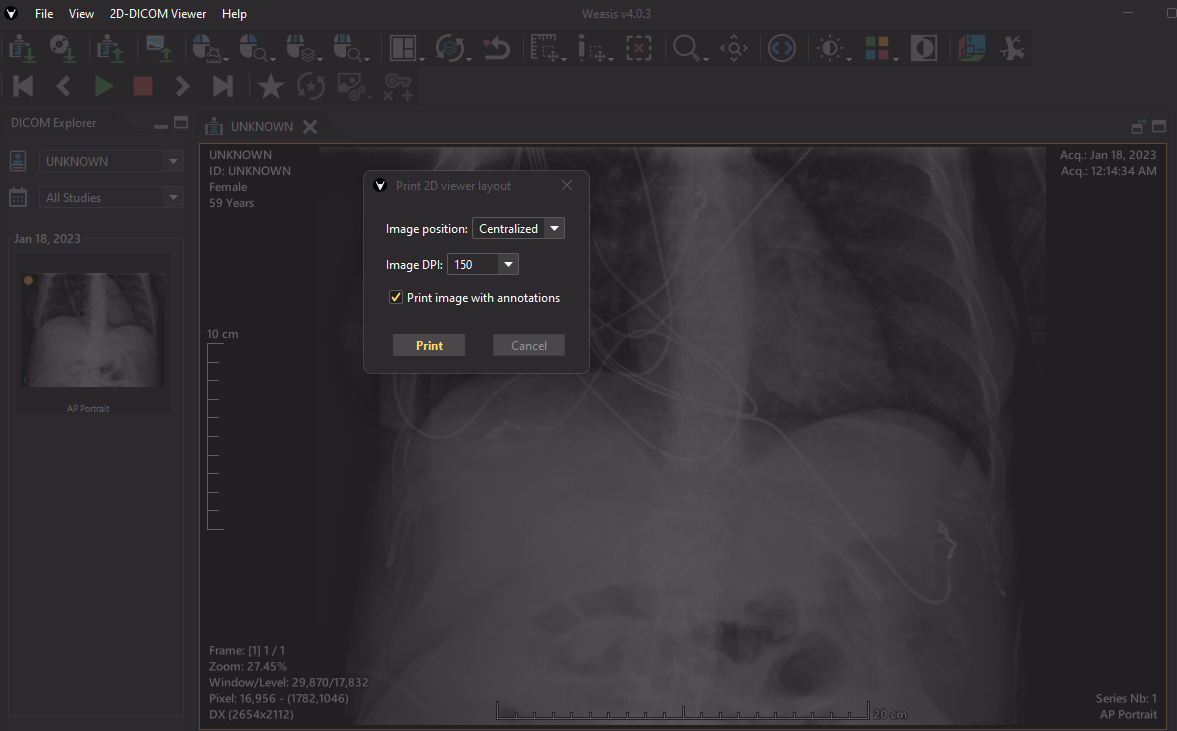
Select your printer
Print DICOM
From File Control, select Print then DICOM Print
Set up the DICOM printer destination
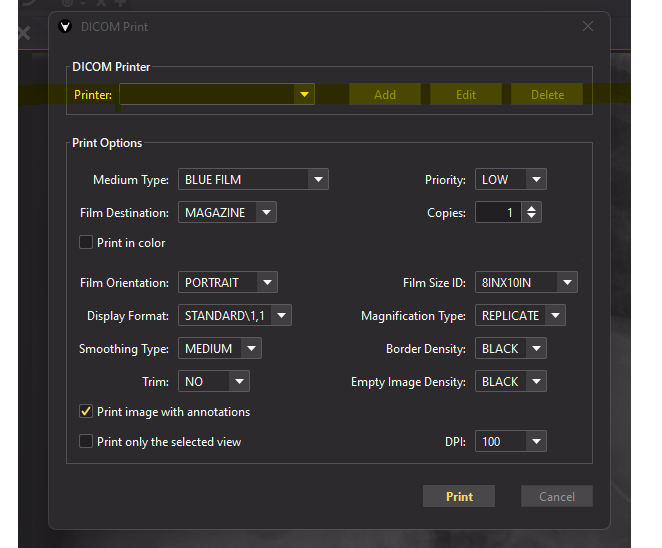
Then print.
You can also visit this page to know more:
https://nroduit.github.io/en/tutorials/