
Lifetrack allows out-of-the-box integration with Weasis for other 3D-related tools.
Visit: https://nroduit.github.io/en/getting-started/ to download the application
Once the Weasis is installed in the workstation, you can now open studies sent in Lifetrack to the app.
How to use:
- You should have Weasis installed in your workstation
- Login to Lifetrack
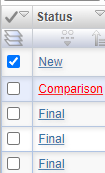
- Select the study you want to open in Weasis
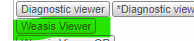
- Click the Weasis viewer button
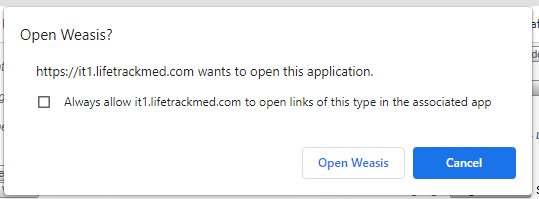
- You will receive a prompt asking if you want to open the study in Weasis, click the Open Weasis button
- You can now view the image in Weasis App
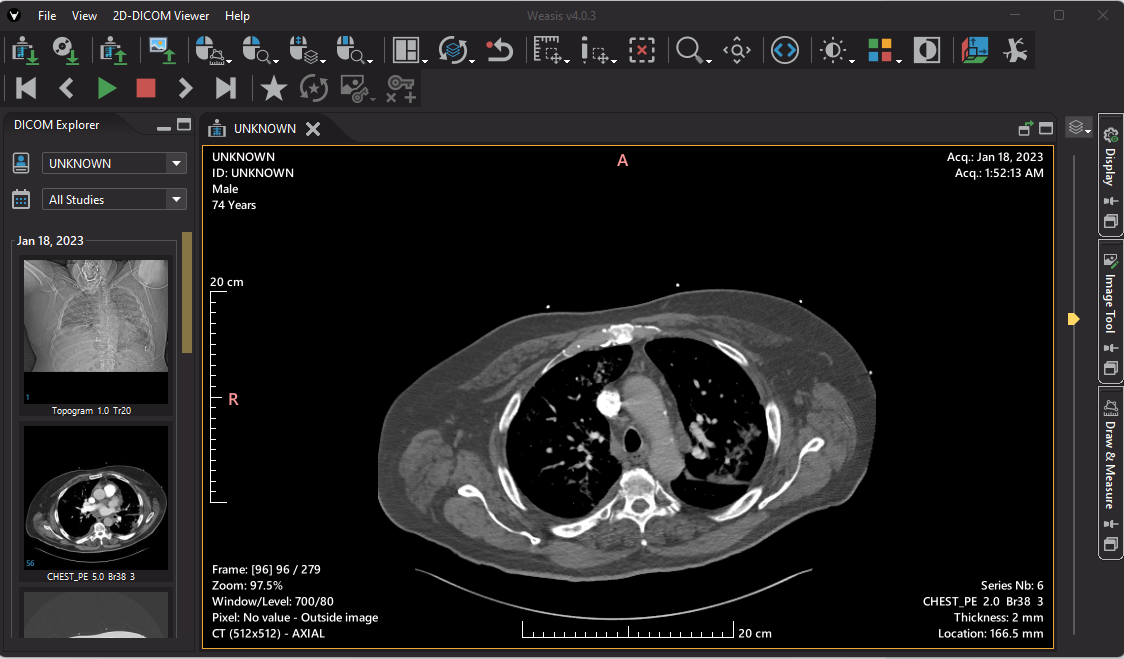
Weasis supports:
- Support of modality LUTs, VOI, LUTs, and Presentation LUTs (even non-linear)
- Multiplanar reconstruction and Maximum Intensity Projection
- SUV measurement
- DICOM ECG Viewer
You may also check our DSS Page for more info
https://dpr.lifetrackmedicalsystems.com/decisionsupport/telerad01/V2%20Help/5bb71fb0ab9ee/57887b55a0522/5bb5d4dcf1f47/6299ae8b296e8