
TABLE OF CONTENTS
LifeSys allows the creation of unlimited layouts.
You can have a layout with different sets of tools, a number of viewports, an arrangement of thumbnails, and other pre-sets.
Instruction in creating a viewer layout
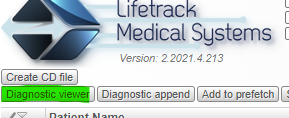
Step 1. Open Diagnostic Viewer.
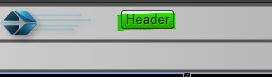
Step 2. Click Header Button.
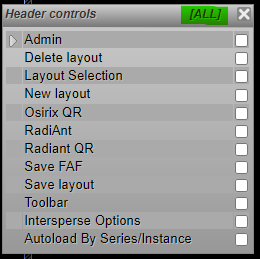
Step 3. Click “All” or you may choose a button only needed in your layout.
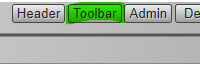
Step 4. Click the Toolbar button to open the selection of tools you can surface on the viewer.
Step 5. Choose the tools needed in your layout or you may select “All”.
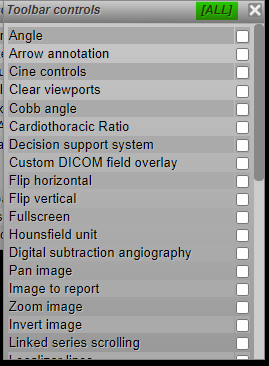
Step 6. Fill the box with a new layout name. ex. Default or My Layout.

OR
If you already have a layout you may Click “Save layout” immediately.
Video
https://www.youtube.com/watch?v=AhtKyK1ANP4
To know more about how to use each of the tools, you can hover over the tool icon and then click the More Info. This will open the decision support page in a separate window.
If you're still having problems, send a ticket to:
https://support.lifetrackmed.com/support/tickets/new
Include in the ticket the:
- URL you use to view the worklist: ie: xx.lifetrackmed.com
- User ID
- Facility Name (Institution or Site)