
For Future Reference, if you need to split and delete a series of image please see the instructions below. Thank you.
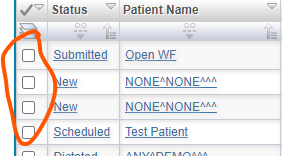
1. Split the study. Select the study that need to be split.
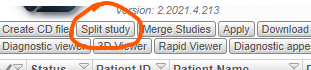
2. Click Split Study button.
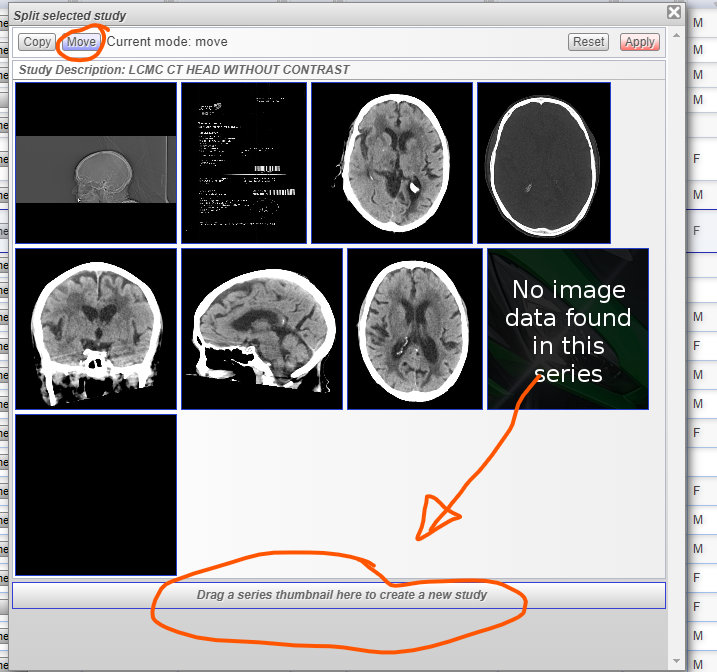
3. Select the image/series to be move/split then drag to the lower part "Drag a series thumbnail to create a new study".
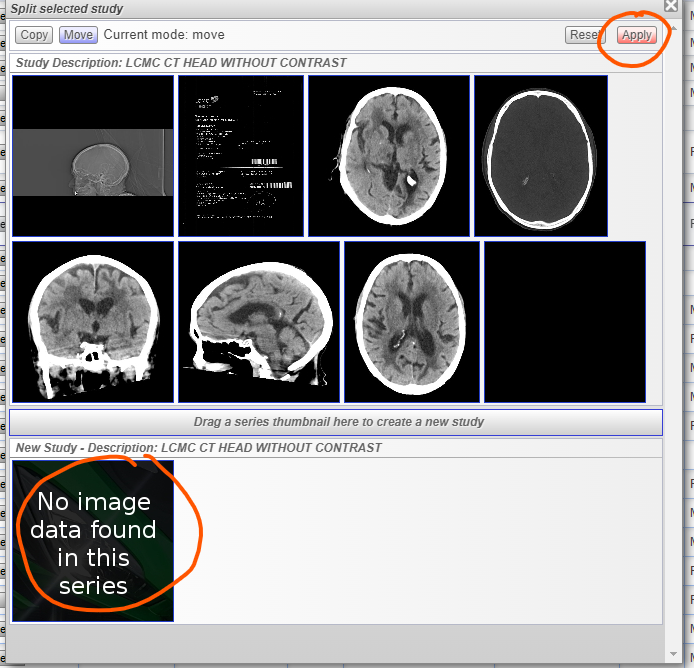
4. After dragging the image or series click "Apply".
5. See for the Splitted study in your worklist and open the report page (Click the status).

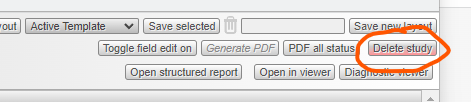
6. Click "Delete study" to delete the study series or image.
If you don't have the Split button feature you may contact your admin user or you may create a ticket (support.lifetrackmed.com).